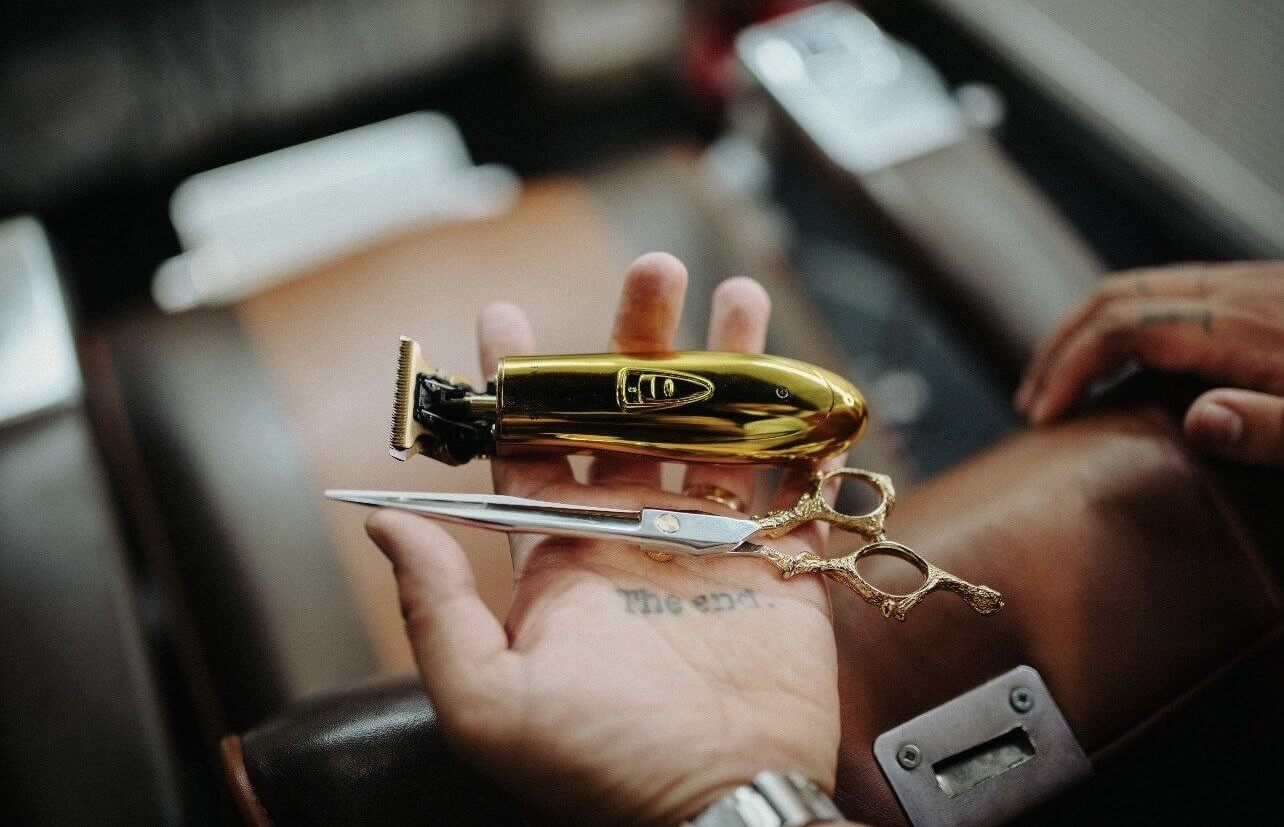
Product Guide
Best Trimmer for Lineups
If you want cleaner line work, the right trimmer makes a real difference. This guide focuses on the lineup options in our range and helps you choose based on blade feel, adjustability, sharpness, and overall preference.
What matters most for lineup work
For lineups, most buyers are really looking at a few key things: how close the blade feels, whether the trimmer can be adjusted, how sharp the edge feels in use, and which tool best matches their personal preference.
Blade feel
Some barbers prefer a preset blade that feels ready out of the box, while others want something they can fine tune.
Adjustability
If customization matters to you, a 0 gapable trimmer gives more room to set the blade to your preference.
Sharpness
For buyers who want the sharpest possible feel, blade design and compatibility can make a big difference.
Top picks for lineups
The best trimmer depends on how you like to work. Below are 3 strong lineup options, each with a different advantage.

Best for adjustability
Recharge
This is a strong option for barbers who want more control over blade setup and prefer a lineup trimmer they can fine tune to match their own preference.
It comes with the TB440 blade included on specific colors and is 0 gapable, making it a flexible choice for barbers who want adjustability.
Best for: Barbers who want to adjust their blade setting and dial in a trimmer to their own lineup preference.
Shop Recharge

Best for simplicity
Vader
This trimmer is ideal for buyers who want a close cutting preset blade feel without needing to make extra adjustments.
It comes with a preset blade setting that sits very close to 0 gap while keeping the setup simple and consistent out of the box.
Best for: Barbers who want a strong ready to use option with a close preset blade feel and no extra setup.
Shop Vader

Best for sharpness
Vader Lite
If you want the sharpest feel in the range, this is the option to highlight. It is built for buyers who prioritize crisp detail work and a more aggressive edge feel.
It comes with our sharpest blade yet, uses a preset close blade setting, and is compatible with other blades for added flexibility.
Best for: Barbers who want the sharpest blade feel possible with the added benefit of blade compatibility.
Shop Vader Lite
Compare the options
Use this quick comparison to see which trimmer may fit your lineup style best.
| Feature | Recharge | Vader | Vader Lite |
|---|---|---|---|
| Blade setup | TB440 blade included on specific colors | TB370 Preset close to 0 GAP blade | TB375 Preset close to 0 GAP blade with blade compatibility |
| 0 gapable | Yes | No | NO |
| Preset close feel | Adjustable based on preference | Yes, close to 0 gap | Yes, close to 0 gap |
| Blade sharpness | Balanced cutting feel with a standard tooth blade, ideal for clean lineups and controlled detail work | Smooth cutting DLC blade designed for consistent performance and a close, reliable feel | Our sharpest blade yet, built for crisp detail work and a more aggressive edge feel |
| Best for | Adjustability and customization | Consistency and simplicity | Sharpness and flexibility |
| Price | $99.99 | $69.99 | $54.99 |
Which one should you choose?
Choose Recharge if adjustability matters most and you want the option to set the blade to your own preference. It also features a removable battery system with two included batteries and a smart charging stand for continuous use.
Choose Vader if you want a simple preset lineup option that feels close right out of the box. While it is not 0 gapable out of the box, it can be modified for those who want to push the blade closer and adjust it further.
Choose Vader Lite if your priority is maximum sharpness and flexibility. It includes a battery display for easy monitoring and is built for both professional and home use.patible blades.
Final takeaway
There is no single lineup trimmer that fits everyone the exact same way. The best choice depends on whether you value adjustability, a close preset setup, or the sharpest possible blade feel.
Explore more tool guides
Browse more guides on fades, debulking, product comparisons, and finding the right tools for your setup.
Back to Learn page